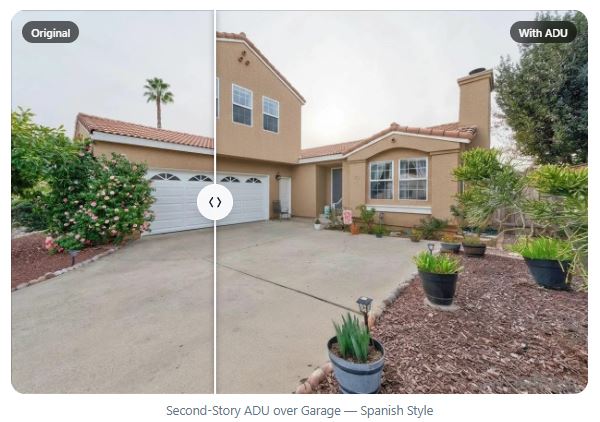
Most ADU projects stall at the same point.
The homeowner — or their realtor — knows the property has potential. Maybe there's a detached garage, a generous backyard, or a side yard that's been sitting unused for years. But the gap between "I think we could build something here" and "I actually understand what that looks like" is surprisingly large.
Architects charge for preliminary sketches. Renderings take weeks. And most people aren't ready to commit to that process until they can see something first.
That's the problem the Property Preview tool solves.
What the Property Preview Does
The Property Preview is a free visualization tool that generates a realistic, AI-styled image of ADU potential based on a single photo of your property. Youp ick the unit type, the square footage, and the architectural style — and it produces a conceptual preview in roughly 60 seconds.
It is not a construction plan, an architectural drawing, or a permit-ready document. Think of it as a vision tool: something that shows what's plausible, styled to the property, so you can have an informed conversation before anyone spends serious money.
Try the ADU Property Preview: ohanapermits.com/property-preview →
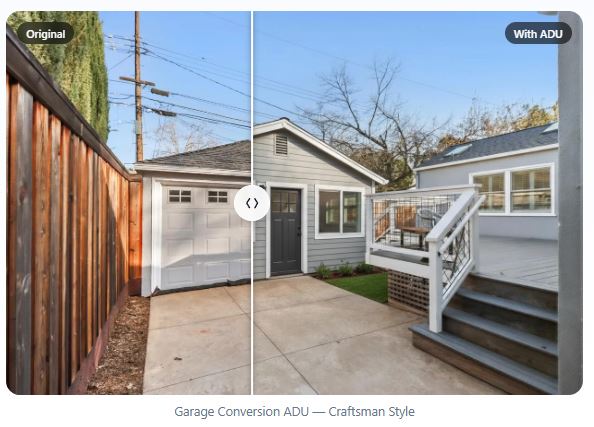
Three ADU types are currently supported:
• Backyard or Side Yard ADU —a new detached unit placed in the yard
• Garage Conversion ADU —converting an existing garage into a livable space
• Second-Story ADU overGarage — adding a unit above an existing garage structure
How to Use It: A Full Walkthrough
Here'st he step-by-step process, exactly as it works in the tool today.
Step 1: Select Your ADU Type
Choose whether you're exploring a backyard or side yard ADU, or a garage-based unit.
This tells the tool what kind of structure to generate and how to interpret the photo you'll upload.
Step 2: Upload a Photo of the Site
Take or upload a photo of the area where the ADU would be built — backyard, side yard, or garage.
A clear photo from a listing, a showing, or your phone camera works well.
The better the photo, the more accurate the placement and scale of the preview.
Step 3: Add a Reference Photo (Optional)
For detached backyard ADUs, you can upload a separate photo of the main house.
The tool will use this to style the ADU to match — matching rooflines, siding, trim details.
For second-story garage additions, this step isn't necessary — the tool reads the garage from your site photo directly.
Step 4: Define the Unit
Choose the unit type: second story, garage conversion, or detached.
Set the square footage. Common choices range from 450 sq ft to 750 sq ft.
Select an architectural style — Craftsman, Mediterranean, Traditional, Modern, Spanish — or leave it blank and the tool will match the main structure automatically.
Step 5: Generate and Review
Hit Generate Preview. The result comes back in a matter of seconds.
The preview shows the ADU placed in the actual photo context, styled to your specifications.
Not what you expected? Hit Generate Another to try a different style or size.
Like what you see? Download the image directly from the tool.
What You Can Do After the Preview
The preview is a starting point, not an endpoint. Once you can see what's possible, the natural next question is whether it's actually buildable — and what it would cost.
From the same tool, you have three options:
Run a Feasibility Check
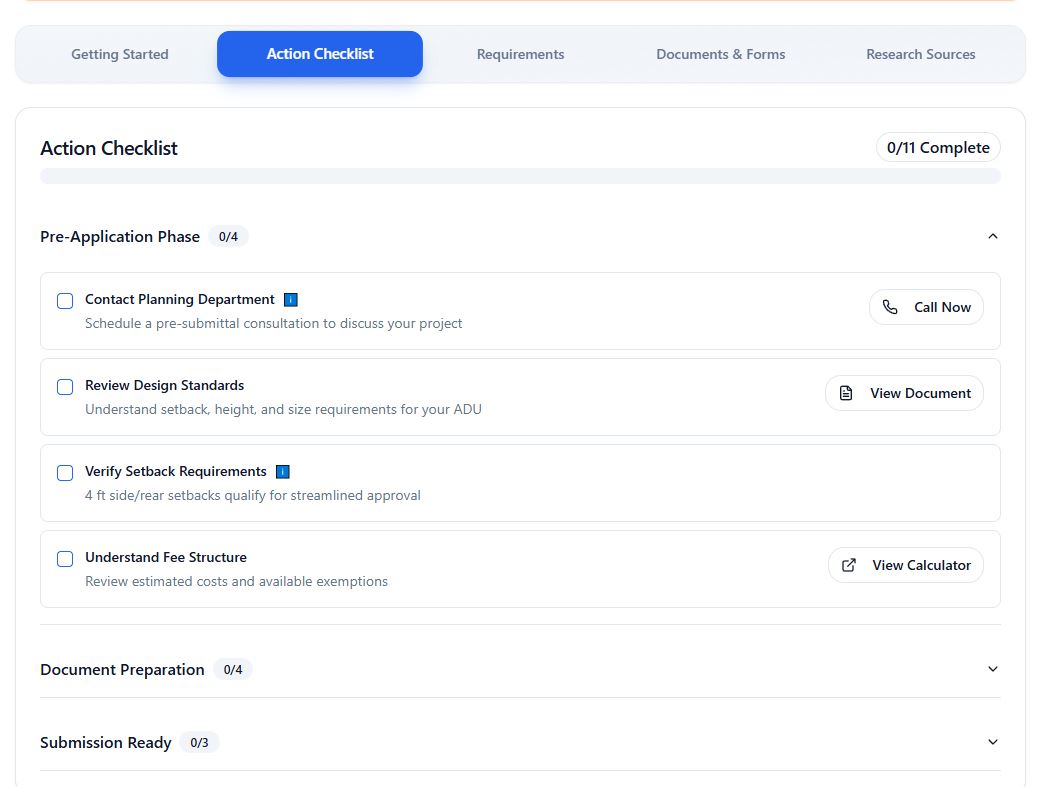
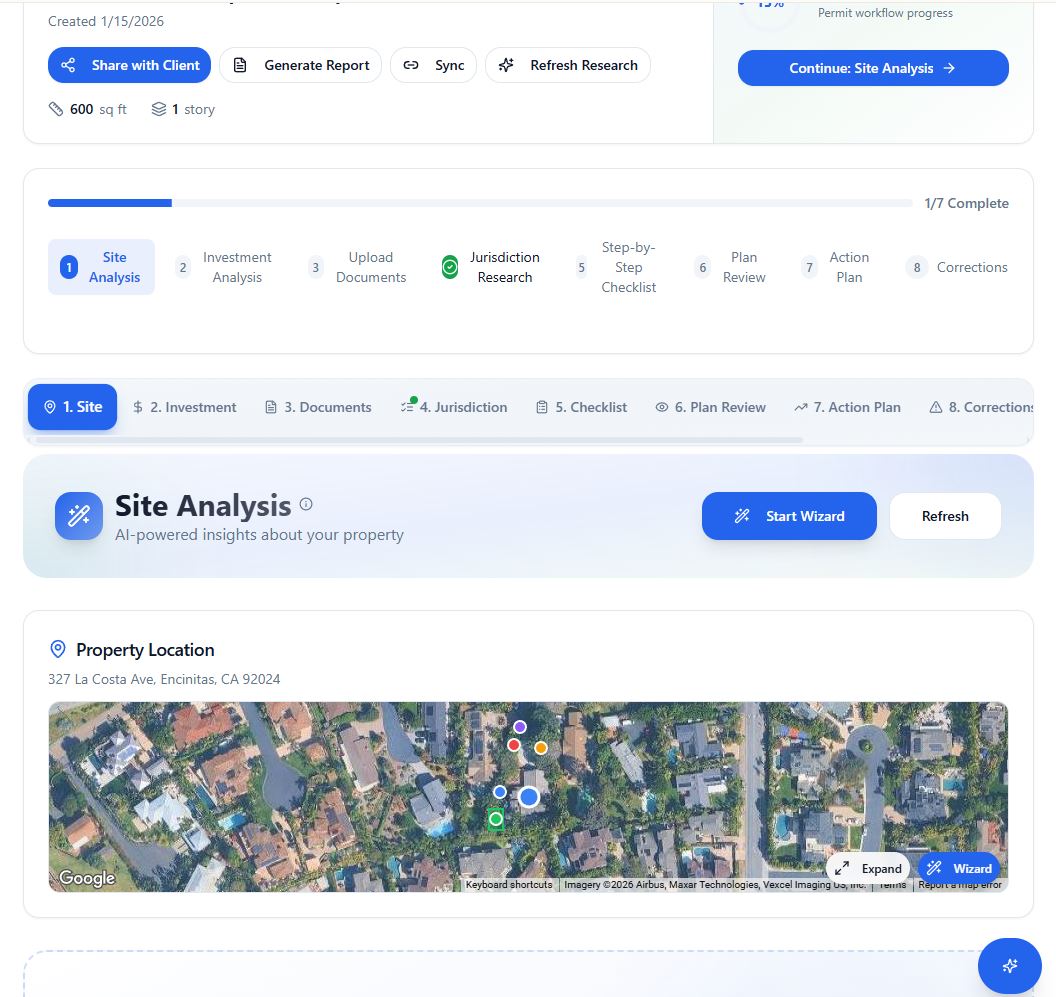
The feasibility check looks at zoning, setbacks, lot coverage, and your local permit pathway to tell you whether the ADU can actually be built before you spend money on plans or design. This is the logical next step after seeing the preview — confirm the vision is achievable.
Open the Investment Calculator
If the ADU is for rental income or multigenerational use, the investment calculator gives you the actual numbers: projected rental income, return on investment, and breakeven timeline. Useful for buyers thinking through the financial case before making an offer.
Model Multiple ADUs
Some properties — particularly larger lots — can support more than one ADU. The tool allows you to run multiple ADU scenarios and compare them. This is covered separately, but the short version is: if you're an investor or a buyer with a substantial lot, the multi-ADU modeling is worth exploring on its own.
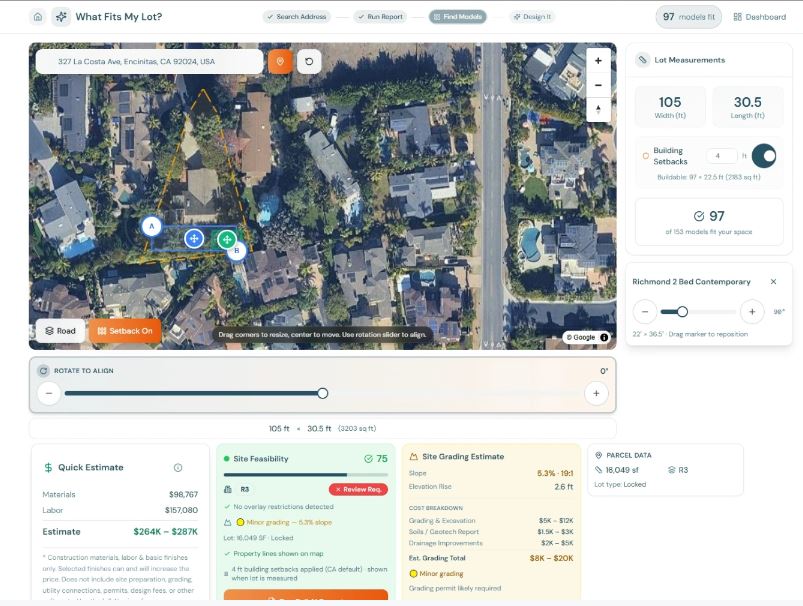
Under search models use the Model Page to find your perfect ADU fit and model
Who This Is For
The Property Preview was built for two groups of people who face the same core problem from different directions.
Homeowners Considering an ADU
Most homeowners have no idea what an ADU would actually look like on their property until they've already paid for preliminary plans. The Property Preview changes that. You can see a realistic concept — styled to your home, placed in your yard — before committing to anything. That's the difference between guessing and deciding.
Realtors Representing Properties With ADU Potential
Buyers regularly ask about ADU potential during showings. The honest answer —"probably, but you'd need to check with the city" — doesn't help anyone make a decision. A visual preview that shows what's possible, generated during or before a showing, keeps the conversation moving. It's not a promise. It's a demonstration of potential.
One Important Clarification
These are conceptual visualizations — not construction drawings, not architectural designs, and not permit-ready documents.
The previews are generated by AI based on your photo and inputs. They show what's plausible and what it could look like. They do not confirm zoning approval, building code compliance, or that construction costs will match what's shown.
Use them the way they're designed to be used: as a starting point for a more informed conversation, not a substitute for the feasibility and planning work that comes next.
Try It on Your Next Property
The tool is free. No signup required. Upload a photo, pick a style, and see what's possible in under a minute.
Try the ADU Property Preview: ohanapermits.com/property-preview →